PATH under the command dashdraft.When to use the CLI
While the GUI Control Center is highly recommended for everyday business workflows, the CLI is ideal for:
- Developers who prefer shell-based environments or code editors.
- Automating the startup of local DashDraft instances using scripts (e.g. systemd services or LaunchDaemons).
- Running DashDraft in "headless" environments where graphical displays are unavailable.
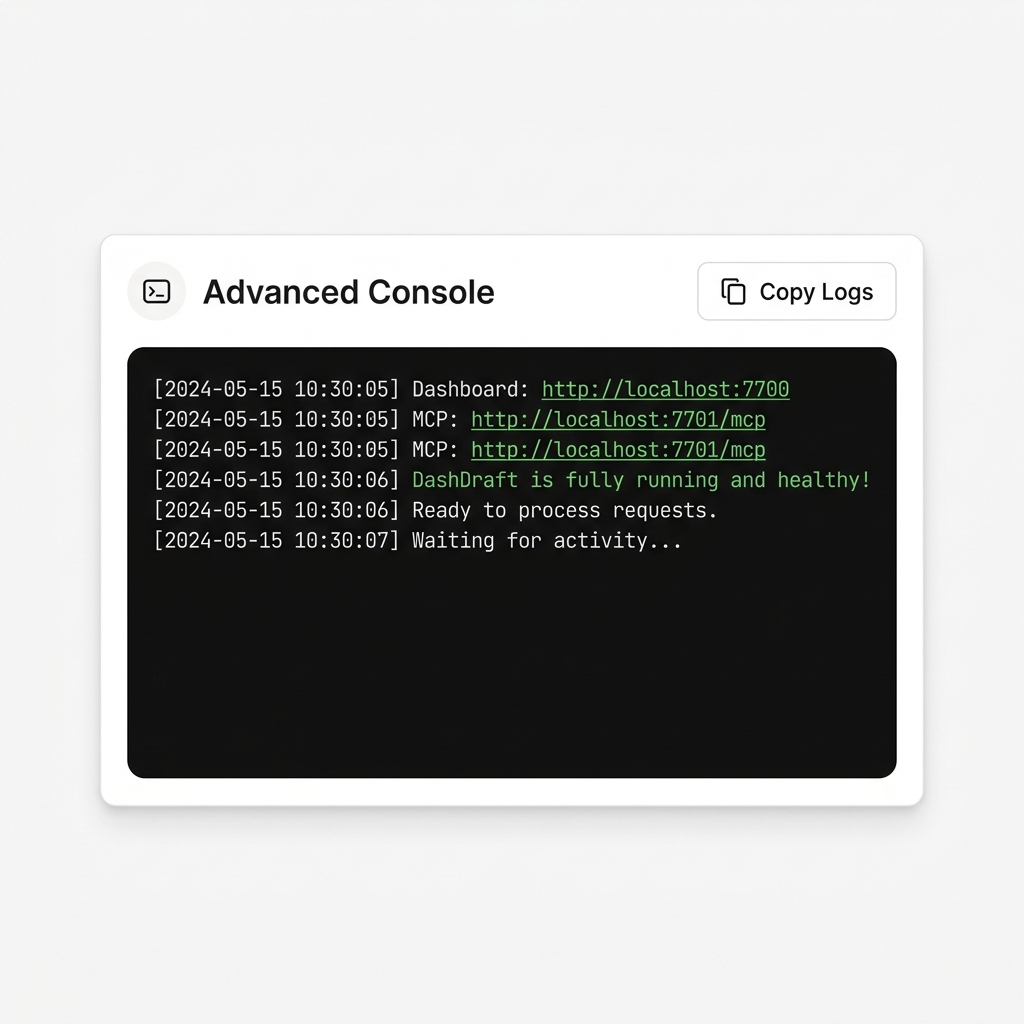
- Reviewing live debug output, raw logs, or execution diagnostics.
CLI commands reference
The global dashdraft utility supports a simple list of commands:
Start the Core Server
Spins up the database server and hosts the local web dashboard (defaults to http://localhost:7700):
dashdraft startCheck Version
Displays the current version of the CLI utility and underlying engine:
dashdraft --versionPrint Help Manual
Lists all available commands, options, and parameters:
dashdraft --helpStdio routing mode
When connecting to Claude Desktop, the application runs using Standard Input/Output (stdio) routing rather than standard HTTP.
To run or debug this process manually inside a terminal shell, use the --mcp-stdio flag:
dashdraft start --mcp-stdioNote: This starts the service in stdio piping mode. Do not close this terminal process, otherwise Claude Desktop's tools will immediately disconnect.
ngrok tunnel configuration
For integrating with cloud tools like ChatGPT, the CLI supports automating ngrok tunnel configurations:
1. Register Your ngrok Token
Saves your private ngrok authtoken to your local DashDraft configuration file:
dashdraft tunnel --set-token YOUR_NGROK_AUTH_TOKEN2. (Optional) Register a Static Domain
Binds your tunnel to a specific reserved ngrok domain:
dashdraft tunnel --set-domain subtle-primary-camel.ngrok-free.app3. Start the Tunnel Daemon
Launches the background ngrok daemon, outputting a secure public HTTPS endpoint for ChatGPT:
dashdraft tunnelGUI and CLI compatibility
The GUI App and CLI tool are completely interoperable. They connect to the exact same background configurations and databases.
Advanced Console Logs Preview